
Hide Photos,
Secure Life.
Secure Gallery & Password Vault elegantly conceals your private pictures, videos, passwords, and apps on iPhone behind military-grade encryption.
Unlock Secure Gallery
71 Ratings
4.2
Ages
16+
Years
Category
Utilities
Developer
NewSoftwares.net
Language
EN
English
Size
34.9
MB
Secure Gallery & Password Vault
Secure Gallery & Password Vault acts as a digital safe for your iPhone, allowing you to protect personal files, photos, videos, audios, and documents with ease.
Import media directly from your gallery, transfer files from your PC/Mac, or capture content directly within the app's encrypted environment. With built-in security for credit cards and bank details, it's the ultimate privacy toolkit for iOS.
Live Security Demo
AES-256 Encryption
Slide to see how Secure Gallery & Password Vault instantly scrambles your photos into unreadable data. This process happens locally on your device, ensuring maximum privacy.

Core Features
Safeguard Photos
Prevents unauthorized users from prying at your secret photos.
Hide Videos
Keeps your confidential videos safe and hidden away from snoopers.
Protect Secret Audio
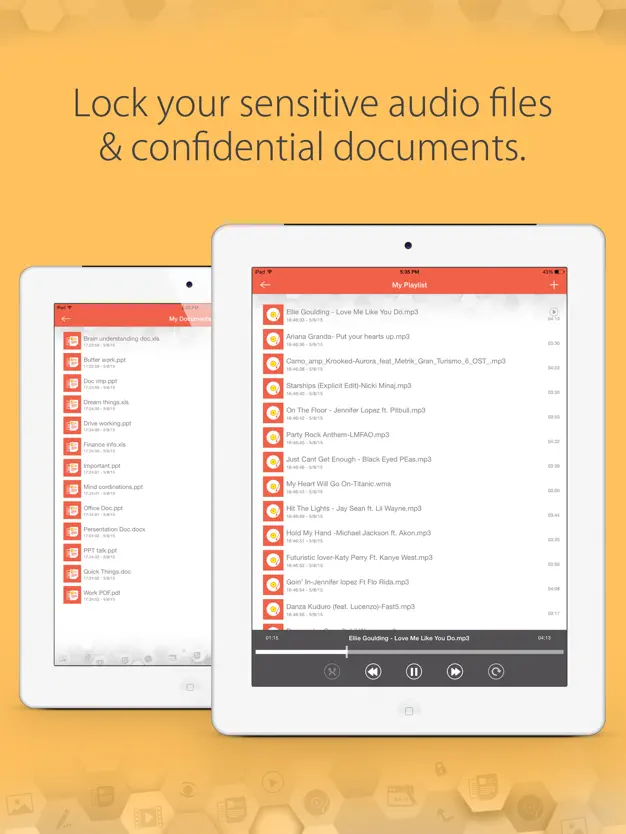
Keeps your private audio files hidden and completely inaccessible.
Secure Documents
Guards against identity fraud by restricting access to documents.
Password Manager
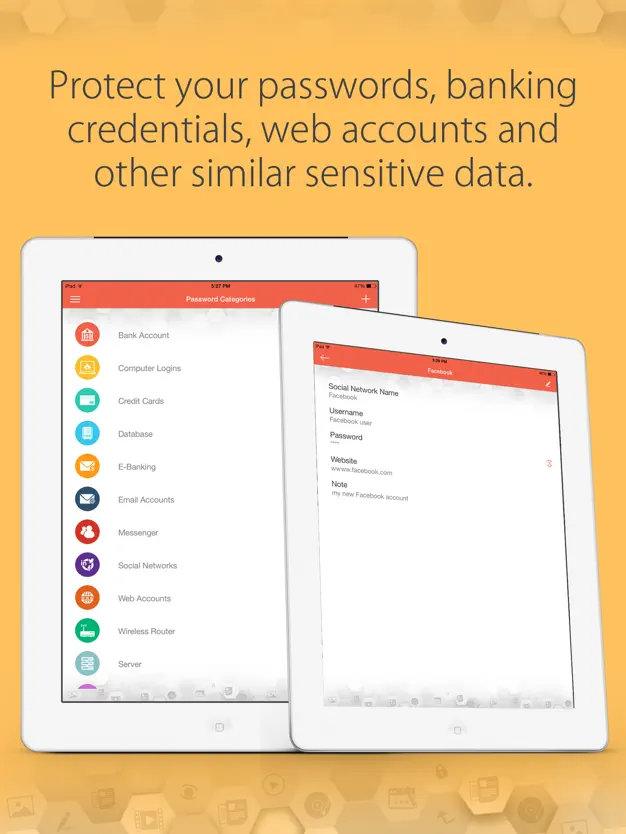
Securely and conveniently manage all your login credentials.
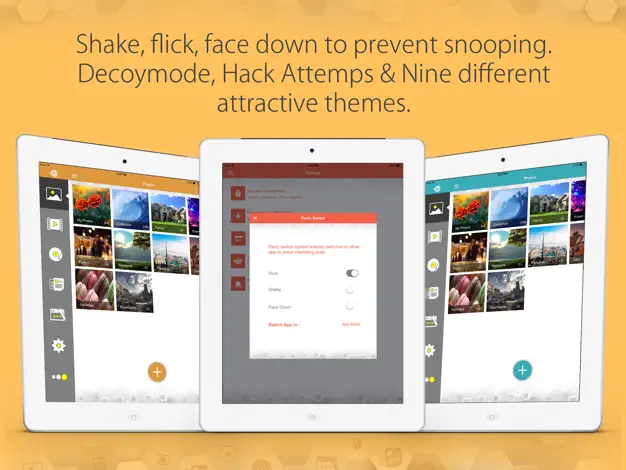
Decoy Mode
Suppresses unauthorized users from discovering your true credentials.
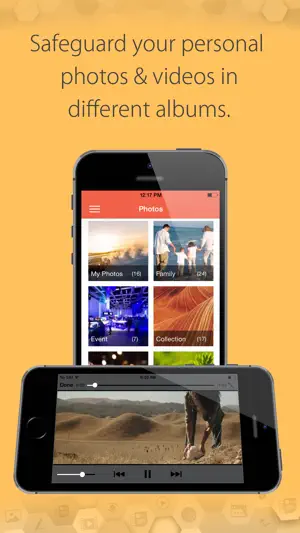
Impenetrable Access
Establish your first line of defense with a secure PIN or pattern to gate your Secure Gallery & Password Vault.
"The simplest way to keep prying eyes away from your private life."
Organized Privacy
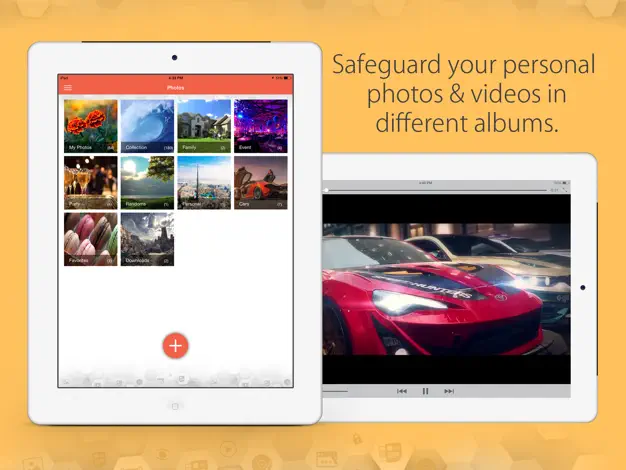
Categorize your photos and videos into custom albums. The intuitive grid layout makes managing files effortless.
- Custom Album Labels
- Secure Media Import
- Fast Preview Mode
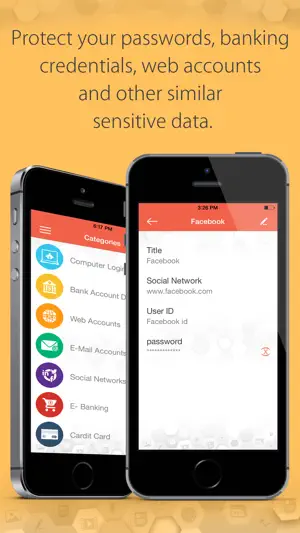
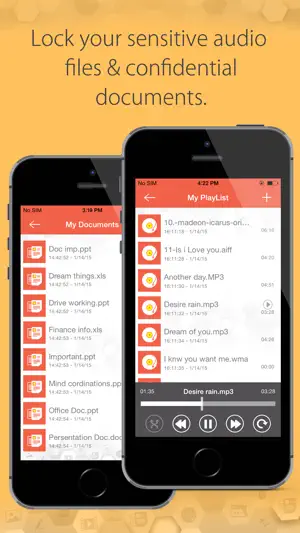
HD Video Playback
Watch your hidden videos with high-definition playback using our built-in secure player.
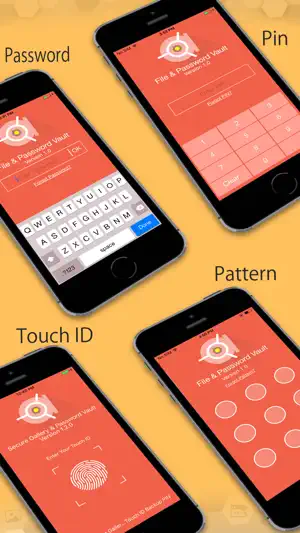
The Digital Wallet
Beyond media, secure your most sensitive textual information. Store credit cards and ID cards in a dedicated wallet.

Stealth Browsing
Browse the web privately within the app. No history, no cache, and no tracking.
iPad Mastery
Experience a spacious layout on your tablet, perfect for managing high-res portfolios.
Vivid Customization
Choose from a range of high-quality themes to personalize your safe.
Intruder Awareness
Capture photos of unauthorized users and log their login attempts instantly.
Advanced Control
Take command of cloud backups, decoy accounts, and panic switches for total privacy.
Security Center
Configure Your Defense
System Guard
Toggle features to see real-time security scaling.
The Magic of Decoy Mode
Try entering different modes to see what an intruder would see versus you.
Waiting for PIN...
Import options:
- Download from Secure Browser
- Transfer file from your PC/Mac
- Import from Gallery
- Capture photos & videos from Camera
Player:
- Watch videos
- Play audios
Questions?
Commonly Asked
No. All data in Secure Gallery & Password Vault is stored locally. We have zero access to your content.
You can use the secure recovery link sent to your registered email to regain access.
Decoy Mode lets you set a secondary "Fake" password to open an empty vault when forced.
Security Options
- Hacker Deterrents
- Decoy Mode (Fake Password)
- Brute force attack prevention
- Takes images of unauthorized users
Our Security Guarantee
Note: Secure Gallery & Password Vault guarantees that all files are stored only in your iPhone and we do not have access to any of your content.